
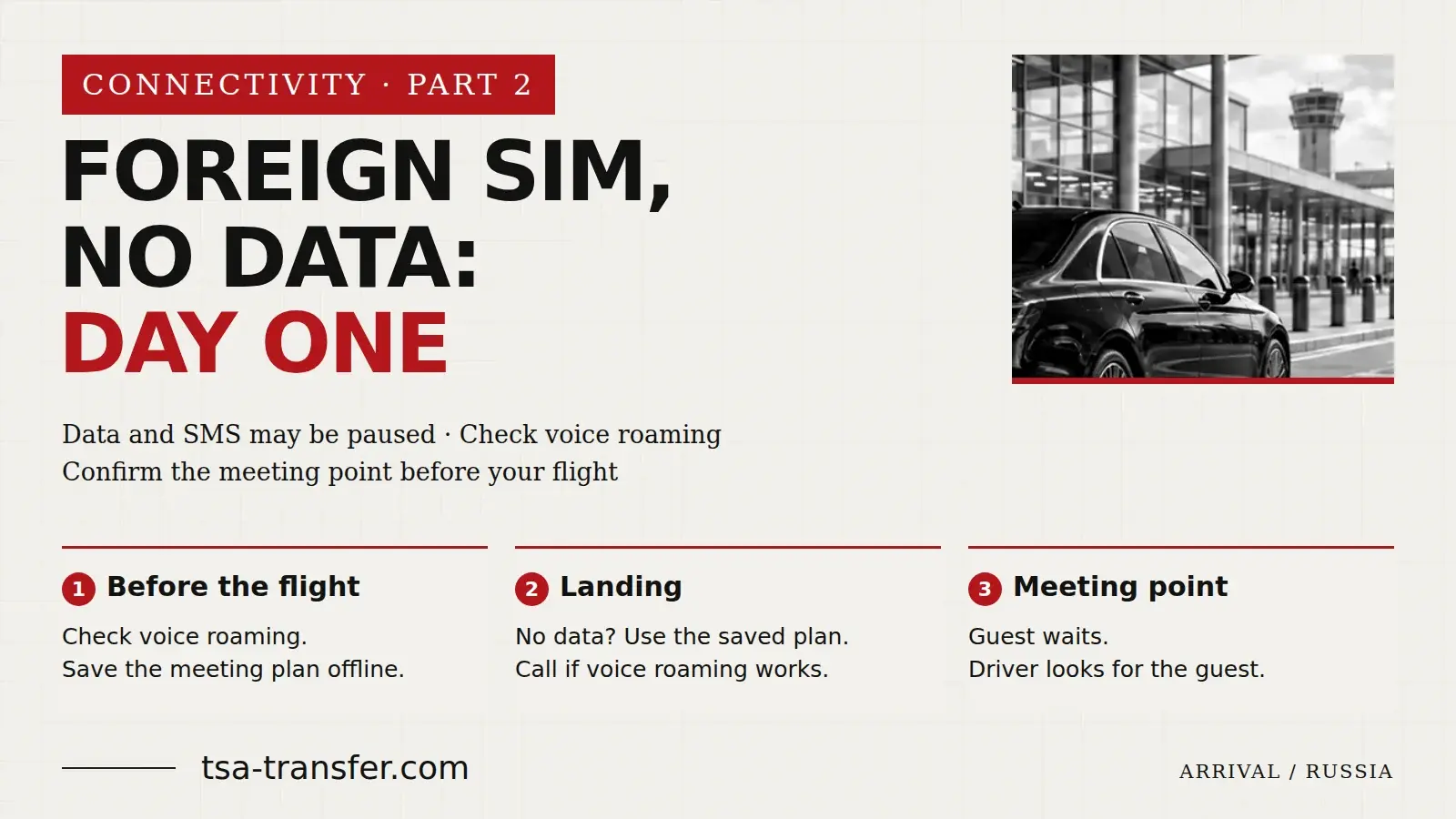
This is part two of our guide to connectivity in Russia. Part one, Mobile Internet and SIM Cards in Russia, covers roaming and the rules for buying a Russian SIM. This article answers a narrower question: a guest lands with a foreign SIM, mobile data and SMS are not working yet, and the driver is waiting. How do they find each other, and what should be agreed before the flight?
The short answer
When a foreign SIM first registers on a Russian mobile network, mobile data and SMS are temporarily blocked for a 24-hour "cooling period", according to Russia's Ministry of Digital Development. The cooling period does not block ordinary voice calls, provided the guest's SIM and plan support voice roaming in Russia; that depends on the home operator, so check it before departure. Build the first day around a regular phone number and a meeting plan agreed in advance, not around mobile data, SMS or messenger apps. If calls turn out not to work, the meeting plan alone has to bring the guest and the driver together.
What happens to a foreign SIM after landing
The Ministry of Digital Development describes the rule as follows:
- after a foreign SIM registers on a Russian operator's network, mobile internet and SMS are restricted;
- the restriction lasts 24 hours and is lifted automatically;
- voice calls, incoming and outgoing, are not affected by this restriction.
This is a rule about the cooling period, not a promise about any particular SIM. Whether a foreign number can make and receive calls in Russia at all depends on the home operator's roaming agreements and the guest's plan.
The block can be lifted earlier. The Ministry says the Russian network sends the guest an SMS with a link to a captcha. This is a separate authorisation message from the network, not a sign that ordinary SMS are working again, and its delivery is not guaranteed; after it is passed, the Ministry says access returns within a few minutes. Some roaming partner operators advise their subscribers to turn off Wi-Fi and VPN for this step and to switch airplane mode on and off. Your own operator's instructions may differ, and the Ministry itself notes that some operators may ask users to connect to Wi-Fi to open the activation page.
Treat the captcha as a bonus, not as part of the plan. The guest should not stand in the arrivals hall trying to pass it while the driver is waiting outside.
Airport Wi-Fi is a backup too. Sheremetyevo's free Wi-Fi, for example, requires identification by phone number: a call, a callback code or an SMS code. Whether this works for a foreign number that cannot receive SMS has not been confirmed officially.
Before departure, the guest should ask the home operator two things: does voice roaming in Russia work on this plan and is it switched on, and what do calls cost. Roaming call prices are set by that operator, not by the transfer company.
How the guest reaches the driver without data
Use ordinary phone calls
If the guest's operator has confirmed voice roaming in Russia, a regular voice call is the channel to rely on during the cooling period. Agree who calls whom:
- the driver calls the guest's number in international format;
- the guest has the driver's number and the transfer company's support number saved in contacts, not only in a chat;
- if the guest has an assistant or host in Russia, the driver has that number too.
Do not rely on messenger calls
Voice calls in WhatsApp and Telegram have been restricted in Russia since August 2025, according to reports citing the telecoms regulator, and messenger performance varies by network. Even after mobile data returns, a messenger call may fail. If the guest has only the driver's WhatsApp contact, they may have no way to reach the driver at all. Save a regular phone number.
Make the meeting recognisable offline
Before the flight, the guest should have, as a screenshot or printed note:
- airport, terminal and exact meeting point;
- the name written on the sign;
- driver's name and phone number;
- vehicle model, colour and plate number;
- what to do if they cannot see each other.
The plate number matters: it lets the guest confirm the right car without any app. For the airport itself, see our Moscow airport transfer guide.
Agree a "not found" plan that works without any phone
This plan applies to every guest, whether or not their calls work. It assumes the worst case: no data, no SMS and no voice roaming.
Agree with the transfer company when booking:
- Main meeting point. A specific, accessible place in the arrivals area of the right terminal, where the driver stands with the name sign. Not "somewhere in arrivals".
- Who stays and who searches. The guest stays at the main point. The driver is the one who moves and looks for the guest. If both walk around, they can miss each other.
- When to switch to the backup point. Name the backup point and one condition for going there, for example a set local time after the flight's actual landing, agreed with the transfer company. Write the condition down in a form the guest can check without a connection, such as the arrivals board and the phone clock. This rule overrides "the guest stays at the main point": once the condition is met, both sides go to the backup point. The driver stops searching at the main point and waits at the backup point. A guest who comes out of passport control or baggage claim after that moment goes straight to the backup point, not to the main one. A backup point without a shared condition only adds a second place to miss each other. How long the driver waits there is agreed with the transfer company when booking; do not assume it is unlimited.
- Who coordinates from outside. Name an organiser, assistant or host who is reachable by phone during the arrival. The driver or the transfer company contacts this person if the guest cannot be found, and the organiser can relay where the guest is if the guest manages to get in touch.
The guest keeps this plan offline, as a screenshot or printed note, together with the meeting details above.
If calls do work, the plan stays the same and calls simply shorten it: the driver or support calls the guest's number. If they do not, the guest can ask an airport information desk for help contacting the driver or the organiser; this is a request, and the desk's ability to help is not guaranteed.
A guest who walks around the terminal looking for the car is harder to find than one who stays at the agreed point.
What to agree before arrival
This list is for the assistant or travel manager who organises the trip. Send it to the transfer company when booking and give the guest a copy.
About the guest
- phone number in international format;
- whether the guest's home operator has confirmed that voice roaming in Russia works and is switched on for their plan (yes, no or unknown; treat "unknown" as "no" when planning the meeting);
- a backup contact: organiser, assistant, colleague or host who can take a call during the arrival.
About the flight
- flight number, date, airport and terminal;
- the name for the sign.
About the driver and car
- driver's name and phone number;
- vehicle model, colour and plate number;
- the transfer company's support number;
- whether an English-speaking driver is needed. Request it in advance; see English-speaking driver in Russia.
About the meeting
- exact meeting point and a backup point;
- the "not found" plan: the guest stays at the main point, the driver searches, the condition for moving to the backup point (after it, the driver waits there and a late guest goes straight there), how long the driver waits at the backup point, and who coordinates from outside;
- the hotel name and address in Russian.
For the guest's phone
- screenshots of the booking confirmation and driver details;
- an offline map of the arrival area and the hotel;
- a charged power bank.
We recommend that the guest does not remove or reinstall the SIM or eSIM after landing. The official ways to restore data are waiting out the 24 hours or passing the captcha; experimenting with the phone in the arrivals hall only delays the meeting.
For delegations
When several people arrive, record each guest's roaming status and phone number in one list. Appoint one coordinator who holds all numbers and speaks to the transfer company. Guests with no working voice roaming should be paired with someone whose phone works; if that is not possible, they follow the same offline "not found" plan as a single guest. For larger groups, see delegation transport planning in Moscow.
The rest of day one
Mobile data may return within 24 hours or earlier after the captcha, but plan the first day as if it will not:
- agree the next morning's pickup time and place before the guest reaches the hotel;
- use hotel Wi-Fi for messages and email;
- keep calls as the main channel with the driver if they work; if not, agree the next pickup in person with the driver before parting;
- do not plan to order a taxi through an app on day one. Taxi apps need data and a working account; see how to use taxis in Russia.
If the guest needs a local SIM for a longer stay, the purchase requires an in-person visit and identity steps including Gosuslugi and biometrics. This is covered in part one.
How TSA Transfer handles this
TSA Transfer can confirm a named driver, vehicle, plate number and meeting point before the flight. Meet-and-greet with a name sign is available for airport transfers. English-speaking support coordinates the arrival, and an English-speaking driver can be requested in advance.
For service details and booking, see the airport transfer page. When booking, send the flight number, terminal, passenger name, the guest's phone number in international format, whether voice roaming is confirmed and a backup contact. Save our confirmation offline before departure.
Frequently asked questions
Will my foreign SIM work for calls on the first day in Russia?
According to the Ministry of Digital Development, the 24-hour cooling period does not block voice calls. Whether your SIM has voice roaming in Russia at all, and at what cost, depends on your home operator and plan. Check before departure, and agree a meeting plan that works even without calls.
Can I get mobile data back faster?
The Russian network may send a separate authorisation SMS with a captcha link, even though ordinary SMS are restricted; after passing it, access is restored within minutes, according to the Ministry. Your operator may advise turning off Wi-Fi and VPN for this step. Do not make the meeting depend on it.
Can I use airport Wi-Fi instead?
Possibly, but Sheremetyevo's free Wi-Fi, for example, requires identification by phone number, and it is not confirmed that this works for a foreign number without SMS. Keep it as a backup.
What if WhatsApp or Telegram does not work?
Voice calls in these apps have been reported as restricted in Russia since August 2025. Save the driver's and support's regular phone numbers and use ordinary calls if your plan has working voice roaming in Russia. If calls do not work either, follow the offline "not found" plan agreed before the flight.
What should the assistant send to the transfer company?
Flight number and terminal, the name for the sign, the guest's phone number in international format, whether voice roaming is confirmed, a backup contact and the hotel address. Ask for the driver's name, phone, car and plate number, the main and backup meeting points and the agreed "not found" plan in return.
Rules checked on 9 November 2026 and may change.